


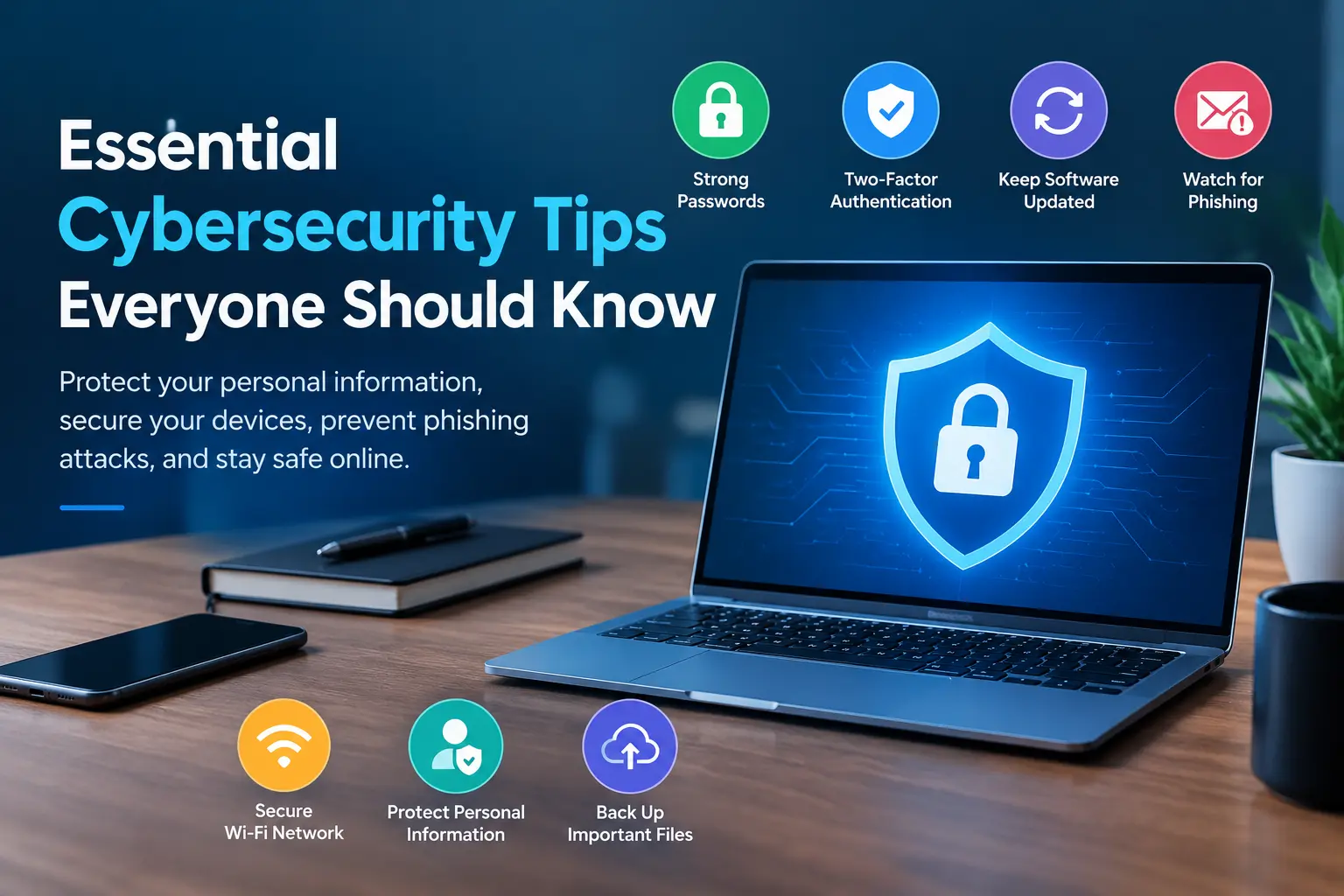
In today’s digital world, we rely on the internet for shopping, banking, communication, entertainment, and work. While technology makes our lives easier, it also exposes us to online threats such as phishing scams, malware, identity theft, and data breaches. The good news is that you don’t need to be a technology expert to protect yourself online. By following a few essential cybersecurity practices, you can keep your personal information and devices safer.
1. Use Strong and Unique Passwords
Passwords are your first line of defense against cybercriminals. Using simple passwords such as your name, birthdate, or “123456” makes your accounts easier to compromise.
Create strong passwords that combine letters, numbers, and special characters. More importantly, use a different password for every account. If one account is compromised, unique passwords help prevent attackers from accessing your other accounts.
Consider using a reputable password manager to generate and securely store complex passwords.
2. Enable Two-Factor Authentication
Two-factor authentication (2FA) adds an extra layer of security to your online accounts. Even if someone obtains your password, they may still need a second verification method to sign in.
Whenever possible, enable 2FA using an authenticator app, passkey, or security key. Some services also offer verification codes through text messages, which are generally better than having no additional protection.
Prioritize this feature for email, banking, social media, and cloud storage accounts.
3. Keep Your Software Updated
Software updates do more than introduce new features. They often fix security vulnerabilities that hackers could exploit to access your devices or information.
Keep your operating system, web browser, mobile apps, and security software updated. Enable automatic updates whenever practical, and download software only from official websites or trusted app stores.
Ignoring updates can leave your devices exposed to known security weaknesses.
4. Recognize Phishing Emails and Messages
Phishing is a common cyberattack in which criminals impersonate trusted organizations to steal passwords, financial information, or other sensitive data.
Be cautious of messages claiming that your account will be suspended, a payment has failed, or you have won a prize. Unexpected links, urgent demands, suspicious attachments, and unfamiliar sender addresses can be warning signs.
Instead of clicking a link in a suspicious message, visit the organization’s official website directly. Never share passwords or verification codes with someone who contacts you unexpectedly.

5. Secure Your Wi-Fi Network
Your home Wi-Fi network connects many of your personal devices to the internet, making its security important.
Change the default administrator password on your router, use WPA2-AES or WPA3 security where available, and create a strong Wi-Fi password. Keep your router’s firmware updated and disable remote administration if you do not need it.
When using public Wi-Fi, avoid accessing sensitive accounts if the network seems untrustworthy. A trusted VPN can provide additional protection for your internet connection, but it cannot prevent every online threat.
6. Protect Your Personal Information
Think carefully before sharing personal details online. Information such as your phone number, home address, date of birth, and travel plans can be misused in scams or identity theft.
Review your social media privacy settings and limit what strangers can see. Before entering payment information on a website, check that the domain is correct and the connection uses HTTPS. Remember that HTTPS alone does not prove a website is legitimate.
7. Back Up Important Files Regularly
Ransomware, hardware failures, accidental deletion, and device theft can cause significant data loss. Regular backups help you recover important documents, photographs, and other files.
Follow the 3-2-1 backup approach: maintain three copies of your data, store them on two different types of media, and keep one copy off-site. An offline or otherwise isolated backup can provide additional protection against ransomware.
Test your backups occasionally to ensure your files can be restored.
Conclusion
Cybersecurity begins with simple, consistent habits. Using unique passwords, enabling two-factor authentication, updating software, recognizing phishing attempts, securing Wi-Fi, protecting personal information, and backing up files can significantly reduce your exposure to common online threats.
You cannot eliminate every cyber risk, but you can make it much harder for criminals to compromise your accounts and devices. Start applying these essential cybersecurity tips today to build safer digital habits and enjoy a more secure online experience.